Microsoft Teams is an amazing learning hub. Learn how to quickly get organized in this post. Includes 3-minute tutorials.
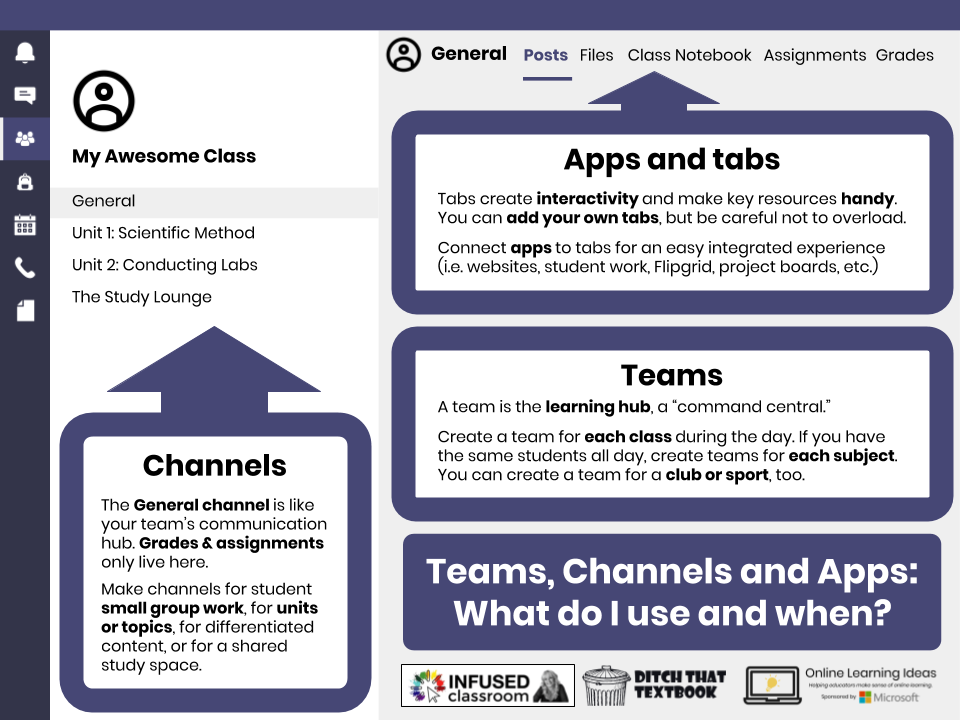
Microsoft Teams in The Classroom: A Quick Guide to Getting Organized with Teams, Channels and Tabs
read more

Microsoft Teams is an amazing learning hub. Learn how to quickly get organized in this post. Includes 3-minute tutorials.
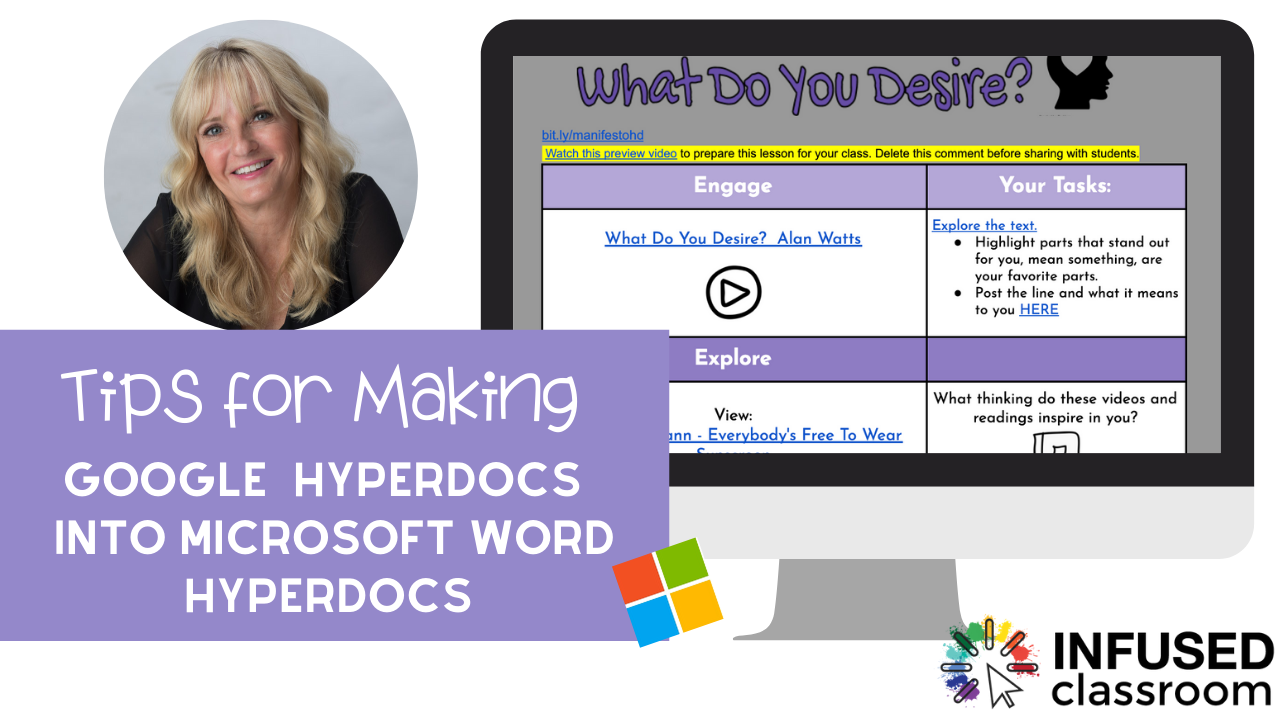
HyperDocs are an incredible way to create student-facing digital lessons. They are the gold-standard for blended learning and make the perfect companion to online and distance learning.
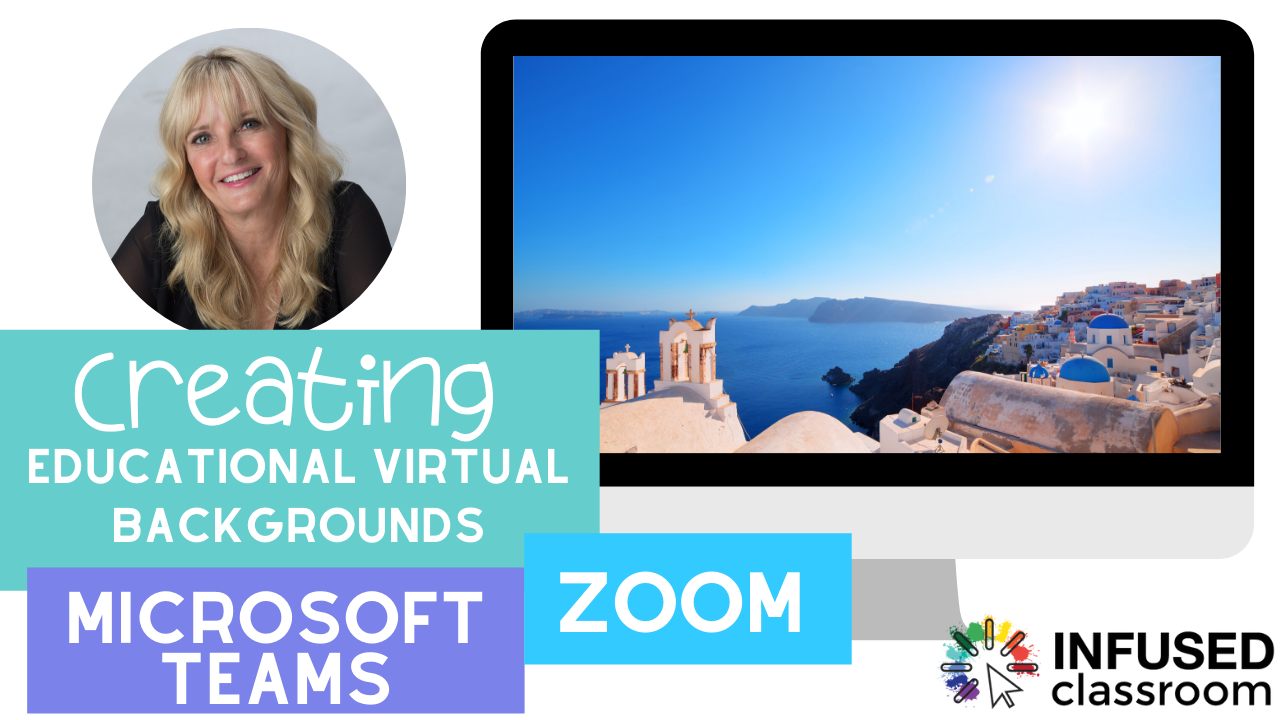
We are all having to go virtual, and it might just be time to get educational and creative — or educreative — with this really fun and creative feature!
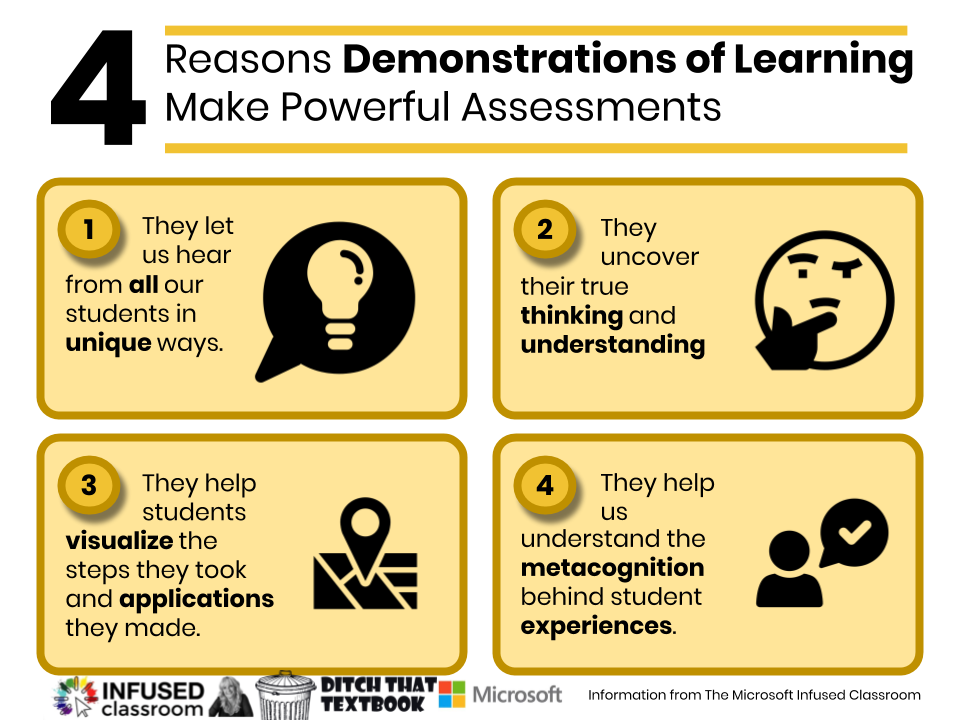
Remote learning means rethinking many commonplace teaching strategies in classrooms. It means finding new ways to gather rich information about student learning and growth, and demonstrations of learning become as important as the results of assessments.

As we head back to school, there is no better time to talk to students about being kind online. Here is an activity to get your started or inspire you to create your own.
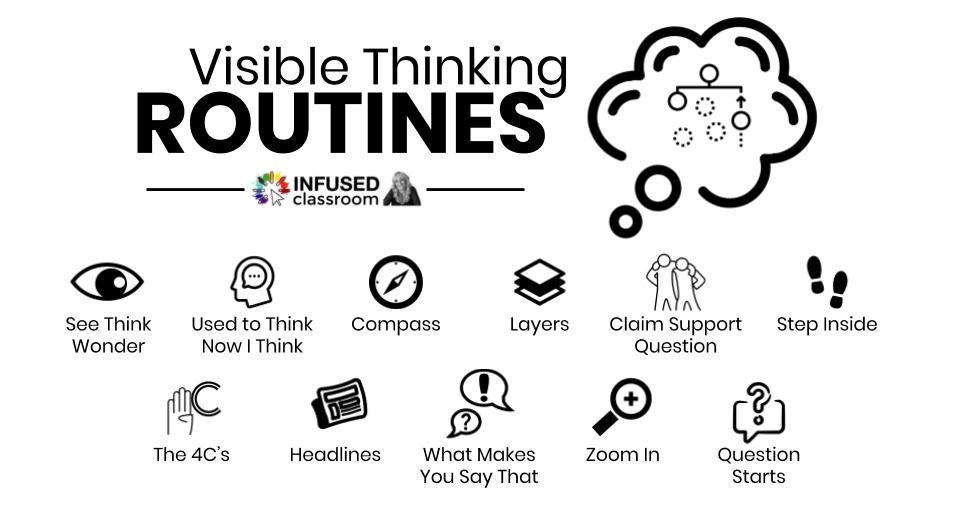
In this time of remote learning, it is important that we take a moment -no matter what our comfort level with remote teaching – to find a way to stay connected with our students and to truly understand where they are in the learning process Even remote learning can be student-centered.

In an Infused Classroom, the teaching and learning outcomes are the most important aspect, and technology simply enhances an already purposeful learning environment. Learn more about it in this post!

For classrooms to be truly student-centered there needs to be time for students to construct their knowledge. This means we need to find a way to allow students the time and space they need to work with information, play with it, and use it to mash it up or create something new and authentic.

We need to use whatever tools we can to best help students learn, and build an arsenal of inclusive strategies that meet their diverse needs. This is true #Techquity.
Get to know all the hidden features of Chromebooks and the keypad.
As I travel around the world, something has become very apparent to me. Schools that have Chromebooks WITH access to iPads – via a cart or check out system, or a few for each class – are able to create savvier and digitally fluent learning environments that can be missing from the Chromebook or iPad ONLY classrooms.
If you have Chromebooks (or any device) in the classroom you can now change the way note-taking happens to make it more modern and purposeful. Notes no longer need to be linear and text-heavy – they can now be interactive and visual.